






Point your MCP client at https://mcp.cloudchipr.com/mcp from its connectors or integrations settings.
Sign in with your Cloudchipr account over OAuth 2.0, or pass an API key as a Bearer token for headless and CI use.
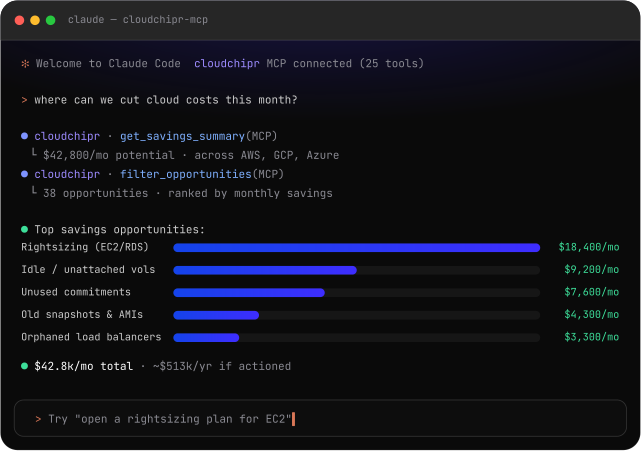
"What did GCP cost us last quarter?" "Which EC2 instances have been idle for 30 days?" Your assistant picks the right tools.


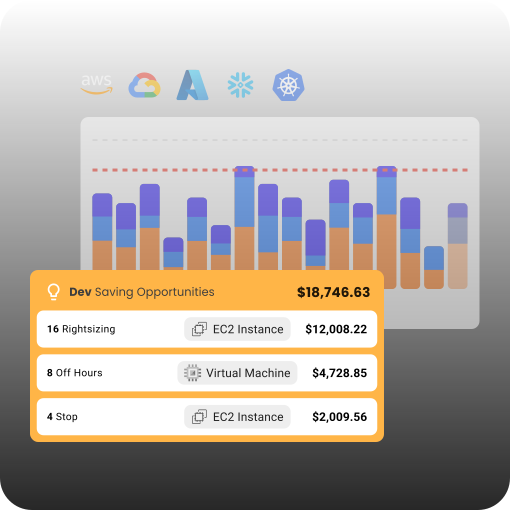
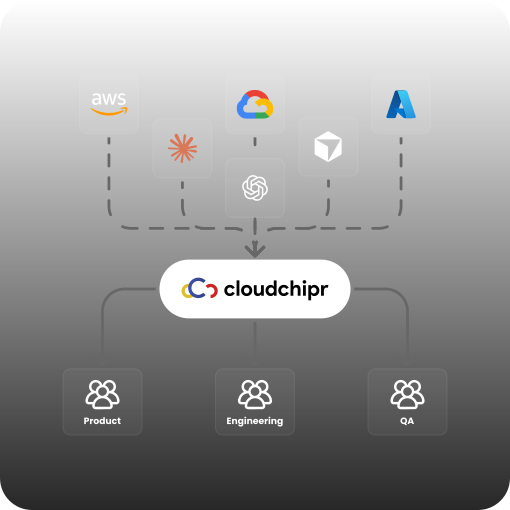
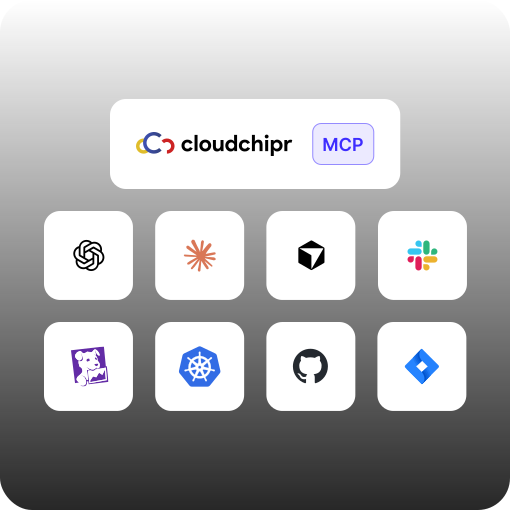
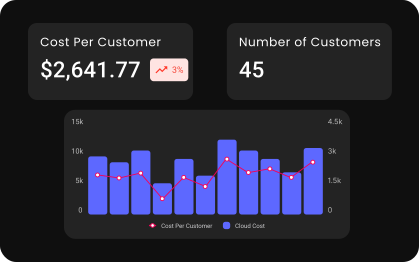
Query spend across all your cloud providers with any grouping, filter, and date range. Discovery tools surface valid dimensions first, so queries succeed on the first try.
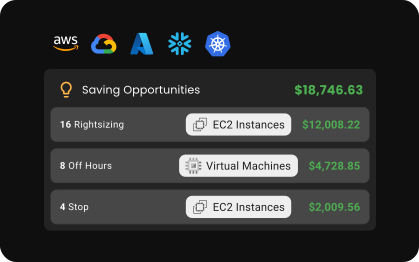
Surface idle, oversized, and orphaned resources with monthly waste estimates, filters by account, region, or tag, and direct console links for every finding.
Inventory running resources in real time: EC2, RDS, disks, load balancers, and more, with utilization metrics and tags attached to every record.
Cluster costs, workload-level filtering, and CPU and memory utilization versus requests over time. Cost visibility down to the resources inside your clusters.
Resolve connected cloud accounts and organizations so every other tool targets exactly the right scope, mapped to your Cloudchipr permissions.
Your assistant will soon be able to act on what it finds, with the same RBAC guardrails that scope what it sees.


.svg)