Product Updates: December 19, 2025
.png)
This release brings clarity and control where it matters most: unified policy configuration, execution transparency, flexible notification routing, environmental impact tracking, and usage-based cost distribution.
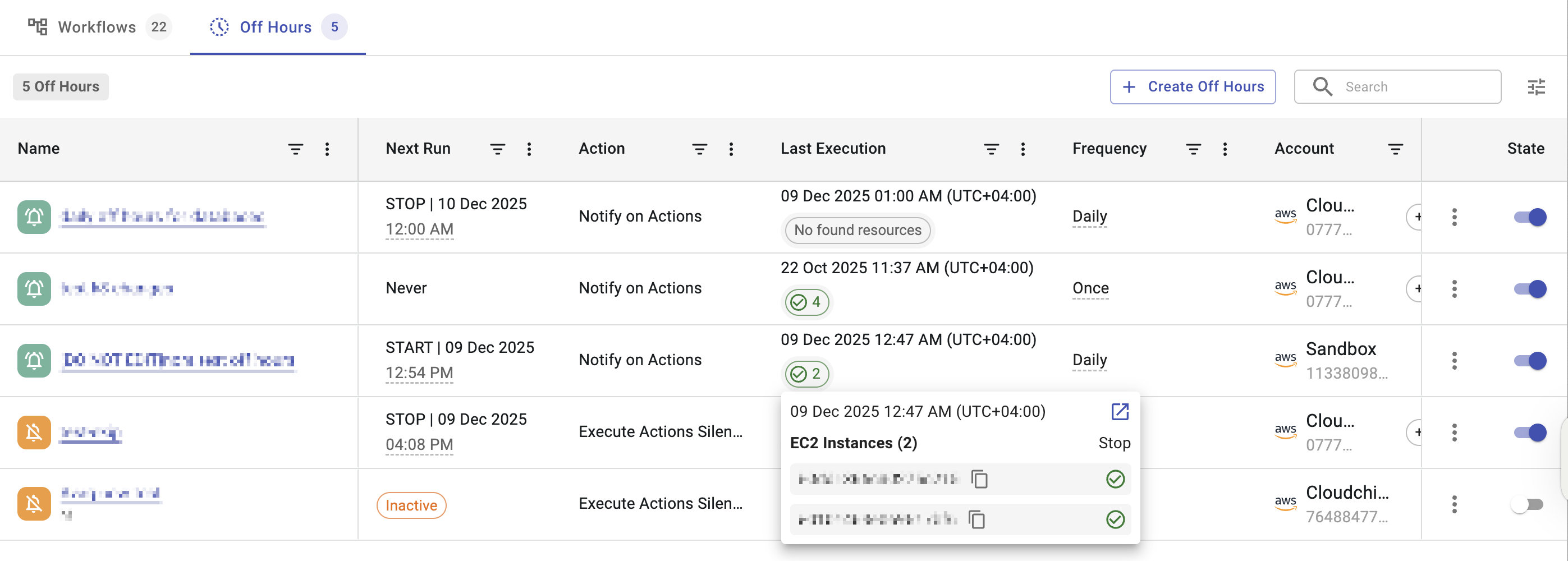
Last Execution Column Added to Off-Hours
You can now see the last execution time for Off-Hours schedules, similar to Workflows.
This makes it easier to see when a schedule last ran and what resources were affected.
Utilization Policy Management Now in Settings
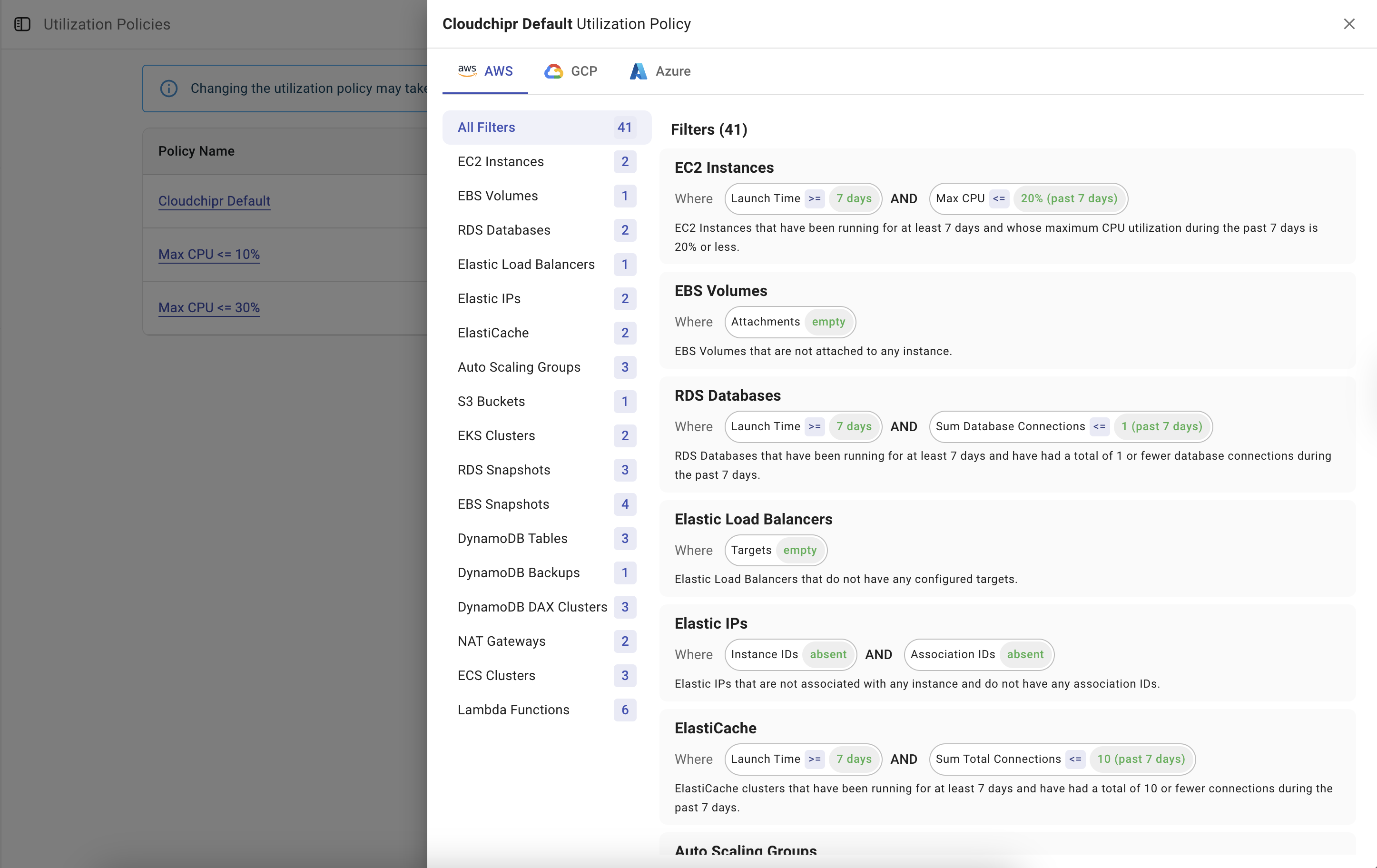
Filter Templates have been renamed to Utilization Policies and moved to Settings. This change makes it easier to view all utilization rules from one central place.
Choose Separate Notification Methods for Failed Automation Actions
Automation notifications are now sent only after all actions are complete, ensuring you receive accurate execution status.
Additionally, automation workflows allow you to send failure notifications to a different method than success notifications, ideal for routing failures to an engineering channel while sending success messages to email or audit logs.

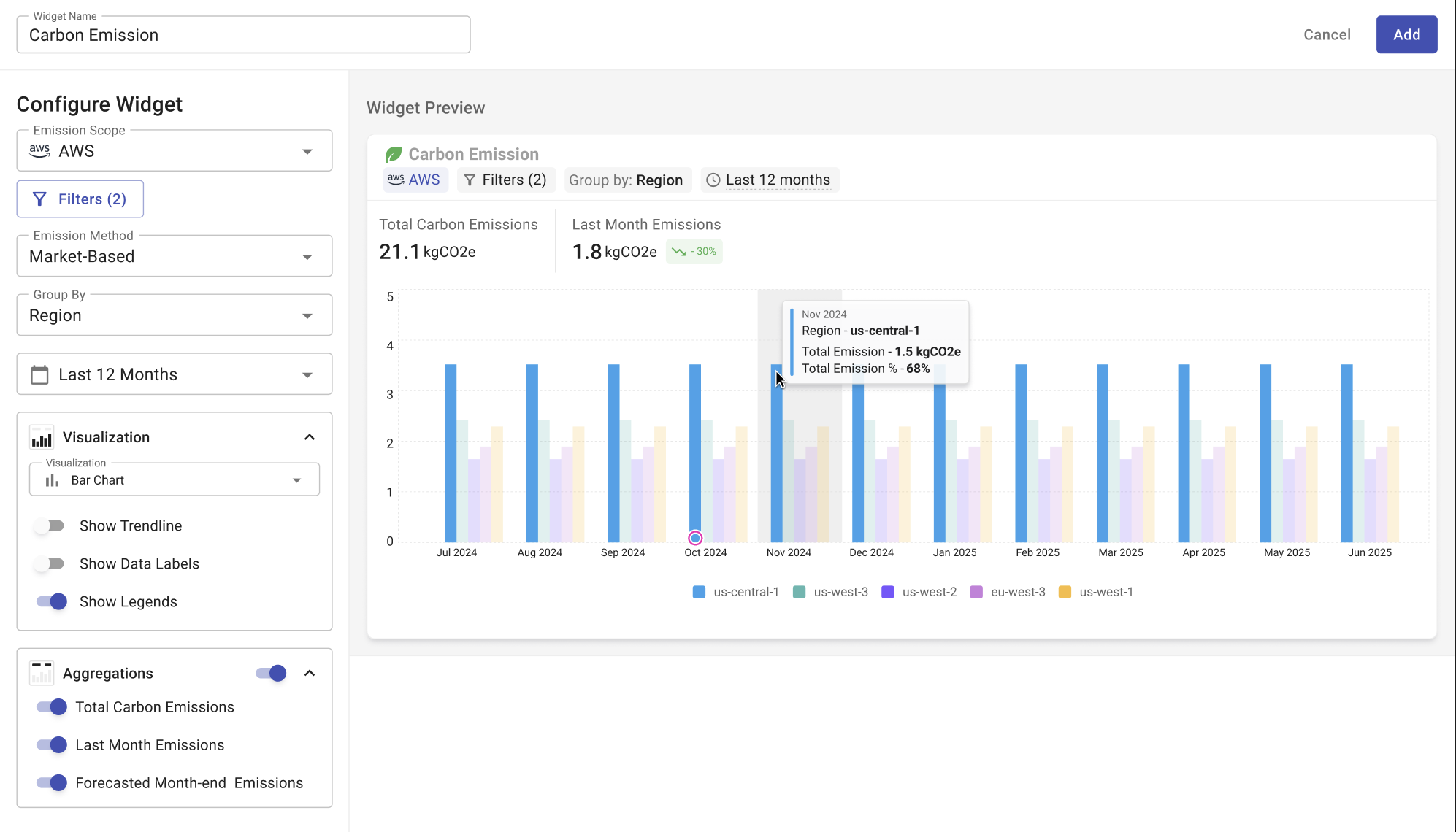
New Carbon Emission Widget
We’ve introduced a Carbon Emission widget that helps organizations visualize their cloud emissions. The widget supports multiple filtering options, emission scopes, and grouping preferences, giving teams a flexible way to understand and report their sustainability performance.
Import Telemetry Data for Cost Allocation
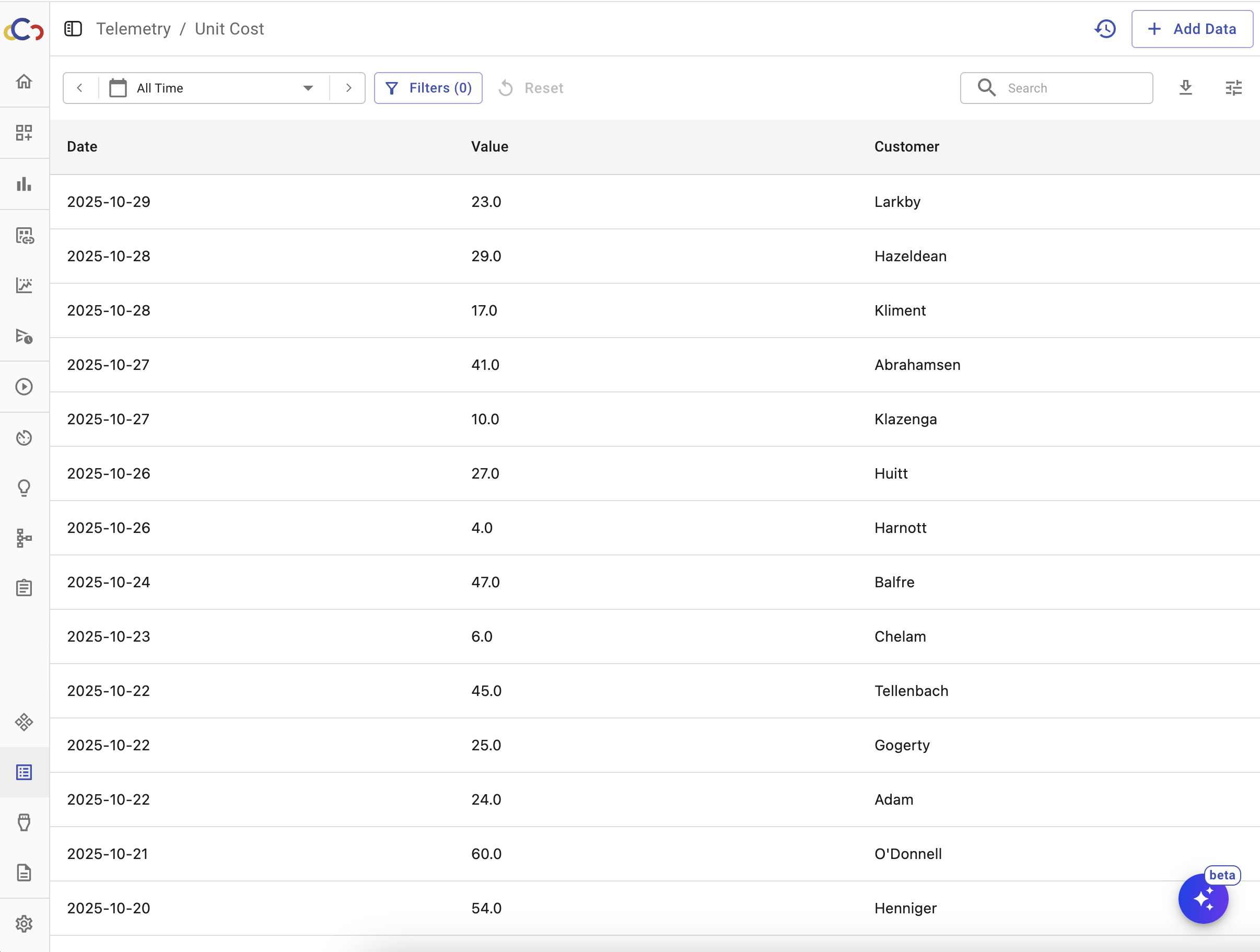
You can now import telemetry files into Cloudchipr and allocate cloud costs based on real business activity rather than static percentage splits.
Upload metrics such as active users, API transactions, or customer segments, and Cloudchipr will use that data to distribute shared costs more accurately.
These are just a few highlights; we improve many more based on your feedback.