Product Updates: January 13, 2026
This week we shipped 11 updates focused on cost intelligence and workflow efficiency. New capabilities include telemetry-driven shared cost allocation, Unit Cost Economics tracking, and integrations with Datadog and DigitalOcean. We've also streamlined daily workflows with inline filtering in Billing Explorer, highest-value recommendation filtering, Kubernetes notify-only workflows, and commitment update subscriptions.
Show Only the Highest-Value Recommendation Per Resource
You can now simplify the Savings Opportunities view by showing only one recommendation per resource, the one with the highest expected savings. This helps reduce noise from low-value recommendations, making it easier to identify the most impactful optimization opportunities.

Inline Table Filtering in Billing Explorer
Billing Explorer now allows you to filter data directly from the table, making analysis faster. When hovering over a row, you can instantly Filter By or Filter Out without opening the Filters, helping you focus on the data that matters most.

Email Alerts for Billing Data Collection Failures
Cloudchipr now sends an email notification whenever billing data collection fails, ensuring teams don’t miss gaps in billing information. To avoid noise, repeated failures are aggregated, and you receive at most one alert per day.

New Cost Filters Added to Live Resources
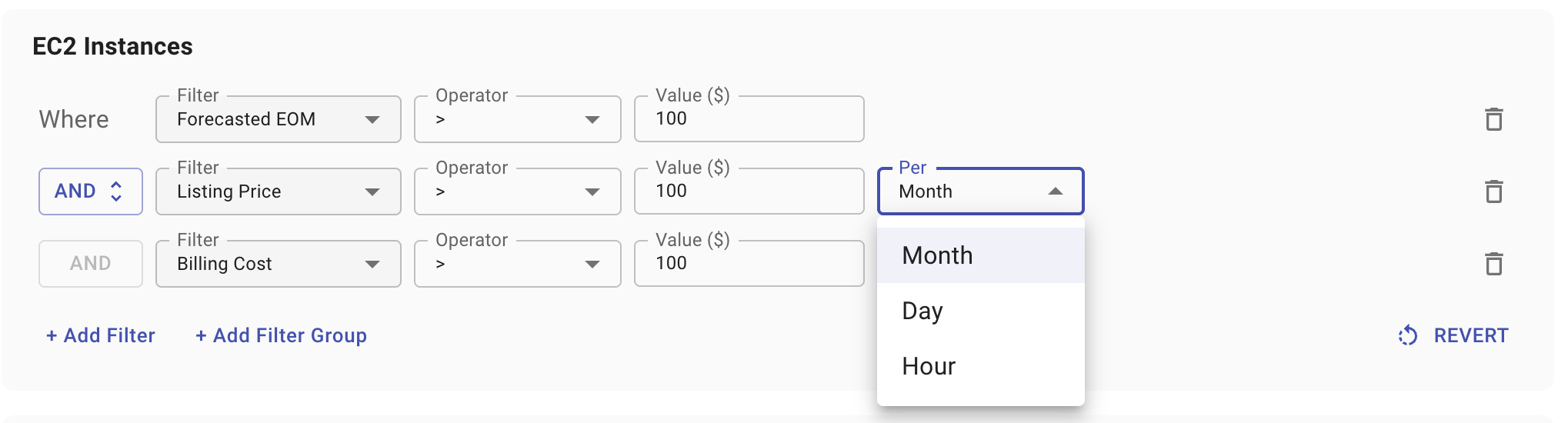
You can now filter Live Resources by all current cost metrics, Forecasted EOM, Billing Cost, and Listing Price. For Listing Price, you can also select the time basis (per month, per day, or per hour), giving you more precise control.
New Datadog Integration
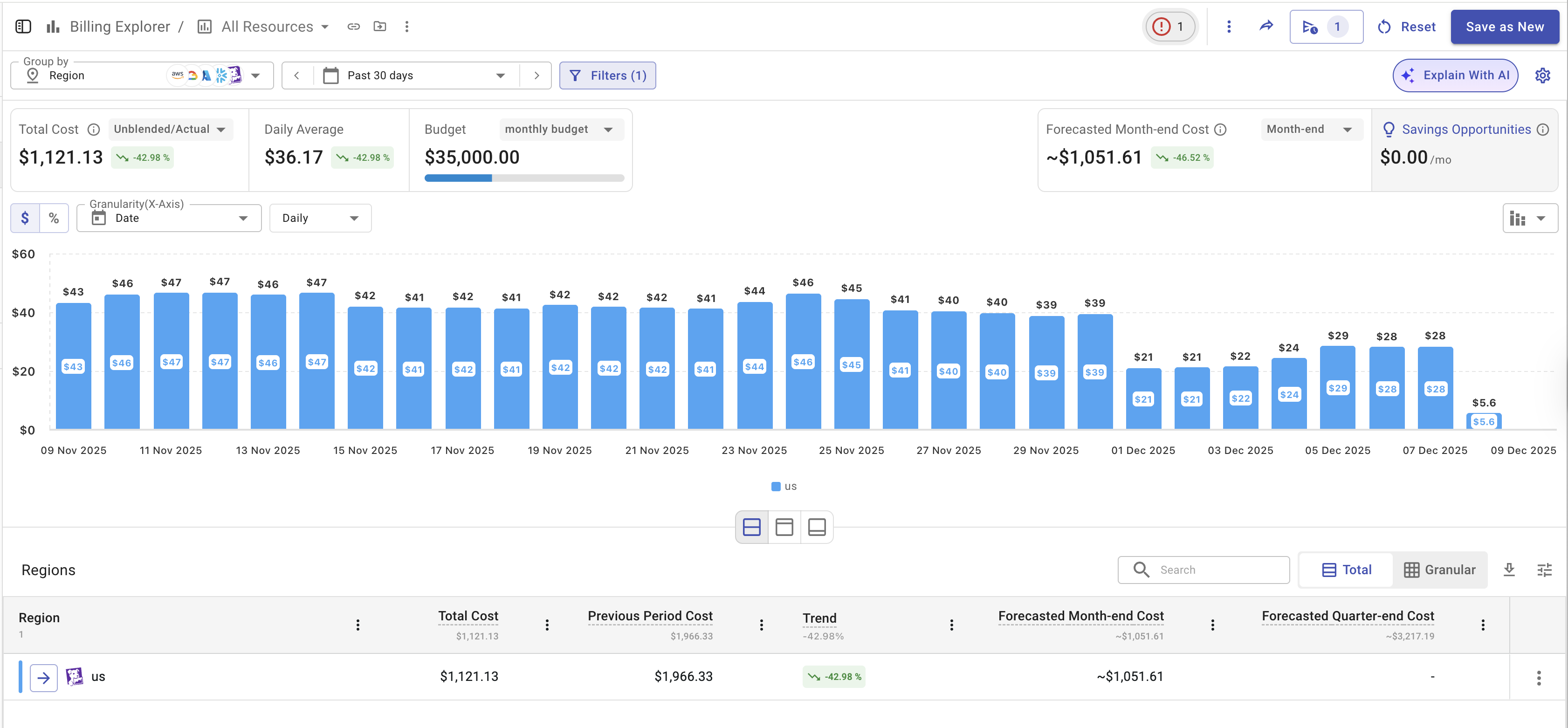
You can now connect your Datadog account directly to Cloudchipr to track and analyze Datadog usage and cost data.
Integration setup is simple; generate your Datadog API keys with the required permissions, enter your organization name, and connect. Once connected, Datadog data becomes visible in Billing Explorer, allowing you to view, filter, and group Datadog spend alongside your other cloud services.
Filter Out Savings Opportunities
You can now hide irrelevant or low-impact savings opportunities. A new Filter Out action lets you dismiss individual recommendations or entire resources. This helps teams reduce noise, ignore irrelevant or low-value items, and focus only on savings actions that matter.